Are you tired of constantly flipping light switches or worrying about leaving appliances on when you’re away? Imagine a home that anticipates your needs, saves energy, and even enhances security, all without you lifting a finger. That’s the power of a Digital Timer Wall switch – a discreet yet revolutionary device that seamlessly integrates into your existing electrical system, transforming how you manage your home’s energy and routines.
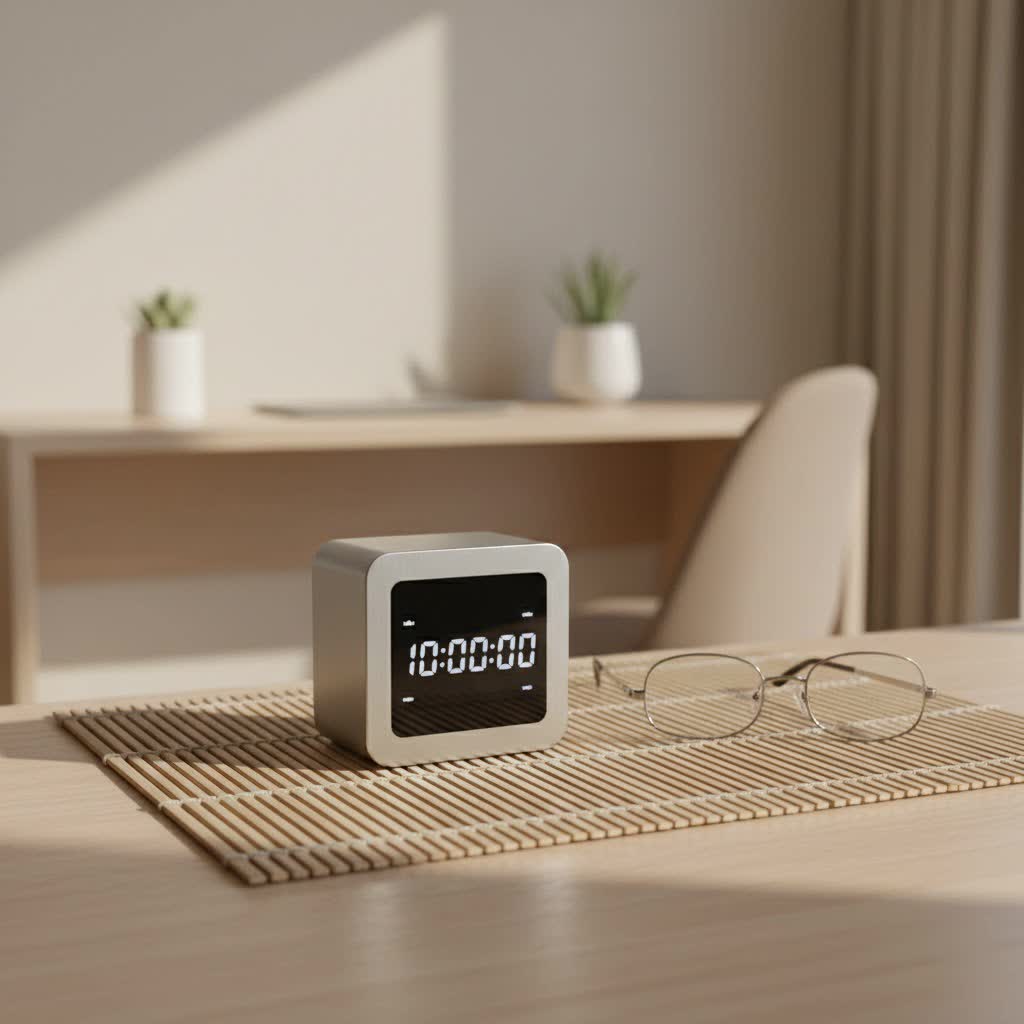
At Kenws, we believe in empowering you with the knowledge to make your home smarter and more efficient. In this comprehensive guide, we’ll dive deep into everything you need to know about digital wall timers, from their fundamental workings to advanced programming and practical applications. Get ready to take control of your home’s schedule and unlock a new level of convenience and savings.
What is a Digital Wall Timer and Why Do You Need One?
A digital timer wall switch is an electronic device designed to replace a standard light switch, allowing you to automatically control when electrical devices or lighting systems turn on or off based on a pre-set schedule. Unlike traditional switches that demand manual operation, these sophisticated timers automate the process, offering unparalleled precision and flexibility.
The core of a digital wall timer’s appeal lies in its ability to offer:
- Energy Savings: By ensuring lights, fans, and other appliances operate only when needed, you significantly reduce wasted electricity, leading to lower utility bills and a smaller carbon footprint.
- Unmatched Convenience: Program your devices once, and let the timer handle the rest. No more rushing home to turn on lights or forgetting to turn off the porch light before bed.
- Enhanced Security: A digital wall timer can simulate occupancy in your home by turning lights on and off at varying times, deterring potential intruders when you’re away.
- Prolonged Device Lifespan: Preventing devices from running unnecessarily can reduce wear and tear, extending their operational life.
Digital vs. Mechanical: Why Digital Reigns Supreme
While mechanical timers have been around for a while, offering basic on/off functionality with a physical dial or pins, digital timer wall switches represent a significant leap forward. Digital timers utilize electronic components and microprocessors for superior accuracy and versatility. They offer:
- Precision: Digital timers can be programmed down to the minute, with multiple on/off cycles per day, allowing for intricate scheduling that mechanical timers simply cannot match.
- Flexibility: Easily adjust schedules, set different programs for different days of the week, or implement advanced features like random modes.
- Advanced Features: Many digital models include battery backups, daylight saving time (DST) adjustments, astronomic settings, and even remote control capabilities.
- User-Friendly Interfaces: With clear LCD screens and intuitive push-button controls, programming a digital timer is often more straightforward, despite its advanced capabilities.
|
Our Picks for the Best Digital Timer in 2026
As an Amazon Associate I earn from qualifying purchases.
|
||
| Num | Product | Action |
|---|---|---|
| 1 | Elegant Digital Kitchen Timer, Stainless Steel Model eT-23, Super Strong Magnetic Back, Loud Alarm, Large Display, Auto Memory, Auto Shut-Off by eTradewinds |

|
| 2 | Visual Kitchen Timer for Cooking,Chef Cooking Timers Clock with Loud Alarm,Timers for Classroom, Home and Study,Mechanical Desk Timer,No Batteries Required,Magnetic Back (Red) |
|
| 3 | VOCOO Digital Kitchen Timer with 7.8” Extra Large Display, Magnetic LED, with 3 Brightness, 4 Alarms and 3 Volume Levels, Battery Powered Countdown Count Up Timer for Cooking, Classroom, Home Gym |
|
| 4 | Easy to USE, Digital Kitchen Timer, Magnetic Timer,Tanmalan(Black,1 Pack) |
|
| 5 | GuDoQi Digital Hourglass Pomodoro Timer, Magnetic 1-99 Mins Adjustable Rechargeable Digital Countdown ADHD Timer, Mute/Low Volume/High Low Volume Modes for Work, Study, Back to School, Kitch, Black |
|
| 6 | 2 Pack Digital Kitchen Timer for Cooking Big Digits Loud Alarm Magnetic Backing Stand Cooking Timers for Baking White |
|
| 7 | 6 Pack Multi-Function Electronic Timer, Learning Management, Suitable for Kitchen, Study, Work, Exercise Training, Outdoor Activities(not Including Battery) |
|
| 8 | VOCOO Digital Kitchen Timer - Magnetic Countdown Countup Timer with Large LED Display Volume Adjustable, Easy for Cooking and for Seniors and Kids to Use (Space Grey) |
|
| 9 | Allbean Magnetic Kitchen Timer for Cooking with Loud Alarm - Large LED Display Rotating Countdown Pomodoro Timer, Preset 5/15/25 Mins Easy for Seniors and Kids,for Baking Grilling Studying |
|
| 10 | Azosowo 2 Pack Digital Timer for Kids, Magnetic Kitchen Timers for Cooking, Egg, Teachers, Classroom, Study, Exercise, Oven Baking - AAA Battery Included |
|
Choosing a digital wall timer is a choice for modern efficiency, precision, and a future-ready home.
Types of Digital Wall Timers: Finding Your Perfect Match
The world of digital timer wall switches is diverse, offering various types tailored to different needs and preferences. Understanding these categories will help you select the ideal timer for your specific applications.
Programmable Timers
These are the most common type of digital wall timers, allowing you to set specific ON and OFF times for each day of the week. You can create multiple daily schedules, perfect for managing interior lighting or exhaust fans. Need your kitchen lights on from 6 AM to 8 AM and again from 5 PM to 10 PM on weekdays, but only in the evenings on weekends? A programmable digital wall timer handles it with ease.
Astronomic Timers
For those who want lighting to perfectly synchronize with natural light cycles, astronomic timers are the answer. This advanced type of digital timer wall automatically adjusts its ON/OFF schedule to match the changing sunrise and sunset times throughout the year for your specific geographical location. They are ideal for outdoor lighting, porch lights, and landscape lighting, ensuring your exterior is always illuminated when it’s dark, without constant reprogramming.
Countdown Timers
Sometimes, you just need a device to run for a set period after activation. Countdown timers allow you to press a button and have the connected device, like a bathroom fan or a garage light, turn off automatically after a pre-selected duration (e.g., 15, 30, or 60 minutes). They offer simple, one-touch convenience without complex programming.
Smart/Wi-Fi Timers
Embracing the smart home revolution, these digital timer wall switches can be controlled remotely via smartphone apps, voice assistants like Alexa or Google Home, or integrated into broader home automation systems. They offer the highest level of control and convenience, including remote monitoring, advanced scheduling, and integration with other smart devices for truly intelligent automation.
Where Can a Digital Wall Timer Make a Difference? Practical Applications
The versatility of a digital timer wall switch makes it an invaluable tool for various applications around your home and even in light commercial settings. Here are some key areas where they truly shine:
Lighting Control
This is perhaps the most popular application for digital wall timers.
- Indoor Lighting: Automate lamps, overhead lights, and even holiday decorations. Set routines to ensure rooms are lit when you arrive home or turn off automatically at bedtime.
- Outdoor Lighting: Control porch lights, pathway lighting, landscape spotlights, and security lights. Astronomic timers are particularly beneficial here, ensuring lights come on at dusk and turn off at dawn, adapting to seasonal changes.
Appliance Automation
Beyond lighting, digital wall timers can manage other electrical loads, making your daily life smoother.
- Fans: Automate bathroom exhaust fans to run for a set time after use, preventing moisture buildup. Control ceiling fans to circulate air during specific periods.
- Heaters: Program space heaters to warm a room before you enter, saving energy by not running them continuously.
- Coffee Makers: Wake up to the aroma of freshly brewed coffee by programming your coffee maker to start just before your alarm.
- Pool Pumps & Water Features: Regulate the operation of energy-intensive devices like pool pumps, ensuring they run during off-peak hours or for optimal filtration times.
Enhanced Home Security
When you’re away, a digital wall timer can be a powerful deterrent against potential intruders. By setting lights to turn on and off at irregular intervals (often a “random” or “vacation” mode feature), your home appears occupied, giving the impression that someone is always home.
Energy Management
From HVAC systems to water heaters, strategic use of digital timer wall switches can significantly optimize energy consumption. Program your heating and cooling to adjust based on occupancy patterns, or set your water heater to operate during times of high demand, ensuring comfort without waste.
Your Step-by-Step Guide to Installing a Digital Wall Timer
Installing a digital timer wall switch might seem daunting, but with the right preparation and careful attention to detail, it’s a DIY project many homeowners can tackle. Always remember, when dealing with electricity, safety is paramount.
Safety First: Cut the Power
Before touching any wires, ALWAYS turn off the power at the circuit breaker that controls the switch you intend to replace. Use a non-contact voltage tester to verify that the power is indeed off at the switch box. This step is non-negotiable for your safety.
Gather Your Tools
You’ll need a few basic tools:
- Screwdrivers (Phillips and flathead)
- Non-contact voltage tester
- Wire strippers
- Wire nuts (often included with the timer)
- Electrical tape (optional, for extra insulation)
Identify Your Wiring
Carefully remove the existing switch’s cover plate and unscrew the switch from the electrical box, gently pulling it out. Before disconnecting any wires, take a photo for reference. You’ll typically encounter:
- Line Wire (Hot): Brings power to the switch (usually black).
- Load Wire: Carries power from the switch to the light fixture or appliance (usually black, sometimes red).
- Neutral Wire: Essential for most digital timers; it completes the circuit and provides power to the timer’s internal clock and display (usually white). If your existing switch box does not have a neutral wire, you will likely need to run one or choose a specific digital timer designed to operate without one (which are less common).
- Ground Wire: For safety (usually bare copper or green).
Remove the Old Switch
Once you’ve identified the wires and confirmed no power, disconnect the wires from the old switch.
Wire the New Timer
Follow the wiring diagram provided with your specific digital wall timer, as connections can vary slightly by model. Generally, you will connect:
- The timer’s Line wire to your electrical box’s Line wire.
- The timer’s Load wire to your electrical box’s Load wire.
- The timer’s Neutral wire to your electrical box’s Neutral wire (using a wire nut if there’s a bundle of white wires).
- The timer’s Ground wire to your electrical box’s Ground wire.
Ensure all connections are secure by twisting wire nuts clockwise until snug.
Secure and Test
Carefully push the wires back into the electrical box, ensuring they aren’t pinched. Mount the new digital wall timer using the provided screws and install the cover plate. Finally, restore power at the circuit breaker and test the timer’s functionality. The display should illuminate, and you should be able to manually turn the connected device on and off.
Common Installation Pitfalls to Avoid
- Ignoring the Neutral Wire: This is the most frequent issue. Most digital timers require a neutral wire to power their internal electronics. Without it, the timer won’t function correctly or at all.
- Mixing Up Line and Load Wires: Reversing these connections can prevent the timer from working or even damage it. Always double-check your wiring against the diagram.
- Loose Connections: Poorly connected wires can lead to intermittent operation, flickering lights, or even electrical hazards.
- Overlooking Amperage Ratings: Ensure the timer’s amperage rating is appropriate for the load it will control (e.g., a 15-amp timer for a 15-amp circuit). Exceeding this can damage the timer or create a fire hazard.
Programming Your Digital Wall Timer: Unleashing Its Full Potential
Once installed, the real magic of your digital timer wall begins with programming. While specific steps vary by model, the general process involves:
- Setting Current Time and Day: This is usually the first step, often guided by prompts on the LCD screen.
- Creating ON/OFF Programs: You’ll typically navigate through program slots (e.g., P1 ON, P1 OFF, P2 ON, P2 OFF) and set the desired times and days for each event. Many timers allow for different schedules on different days of the week, or the same schedule for all weekdays, weekends, or even individual days.
- Utilizing Advanced Features:
- Random Mode: Activate this feature to vary your programmed ON/OFF times by a few minutes, making it appear less predictable when you’re on vacation.
- Daylight Saving Time (DST) Adjustment: Many timers have an automatic or manual setting to adjust for DST changes, saving you the hassle.
- Manual Override: Most digital timers include a button to temporarily override the programmed schedule, allowing you to turn lights on or off instantly without disrupting the set program. The timer will revert to its programmed schedule at the next scheduled event.
Pro Tip from the Kenws Team: “Digital wall timers are designed for intuitive use, but sometimes the instruction manuals can be a bit small. Don’t be shy about using a magnifying glass to ensure you’re following every programming step precisely. A little patience upfront saves a lot of head-scratching later!”
Troubleshooting Your Digital Wall Timer: Quick Fixes for Common Issues
Even with careful installation and programming, you might encounter a snag or two. Here are some common issues and how to troubleshoot your digital timer wall:
-
Timer Not Powering On:
- Check the Circuit Breaker: Ensure the breaker hasn’t tripped.
- Verify Neutral Wire Connection: As discussed, a neutral wire is crucial. Recheck its connection.
- Inspect All Wiring: Turn off power and re-examine all line, load, neutral, and ground connections for looseness or incorrect wiring.
-
Connected Device (Lights, Fan) Not Responding to Timer:
- Check Load Wire: Ensure the load wire is correctly connected to the timer and to the device.
- Review Programming: Double-check your ON/OFF times and selected days. A simple typo or oversight can be the culprit.
- Manual Override Status: Make sure the timer isn’t stuck in a manual override mode that is preventing the program from running.
-
Timer Loses Settings After Power Outage:
- Battery Backup: Most digital timers have a battery backup. If the battery is old or faulty, it might not retain settings. Check the manual for battery replacement instructions. Allow the battery to charge for a few minutes after power is restored, then try resetting.
-
Incorrect Time Display:
- Initial Setup: Ensure the current time and day were set correctly during initial setup.
- DST Settings: Confirm that any automatic DST adjustment is enabled or manually adjust the time if needed.
Choosing the Right Digital Wall Timer for Your Needs
With so many options available, selecting the best digital timer wall for your home involves considering several factors:
- Electrical System Compatibility: Crucially, determine if your switch box has a neutral wire. This will narrow down your choices significantly. Also, consider if you need a single-pole (controls one light/device from one location) or 3-way (controls one light/device from two locations) timer.
- Load Requirements: Check the amperage and wattage rating of the lights or appliances you intend to control. Ensure the timer can safely handle the load.
- Desired Features: Do you need basic daily programming, or advanced astronomic features for outdoor lights? Is remote control via a smartphone app a must-have? Consider random vacation modes for security or countdown functions for convenience.
- Ease of Installation and Programming: Some timers are designed for simpler “set-and-forget” operation, while others offer more complex, customizable schedules. Read reviews to gauge user-friendliness.
- Aesthetics and Design: Digital wall timers come in various styles and colors to match your home décor.
- Budget: Prices vary based on features and brand. Determine your budget while prioritizing essential functionalities.
Expert Insight: Maximizing Your Digital Timer Investment
“Integrating digital wall timers into your home is more than just a convenience; it’s a strategic move towards a smarter, more sustainable lifestyle,” shares David Chen, a seasoned electrical engineer and automation specialist at Kenws. “From boosting energy efficiency by tailoring schedules to providing peace of mind with enhanced security features, these devices offer tangible benefits that resonate with modern homeowners. Don’t just set it and forget it – truly understand its capabilities to optimize every aspect of your home’s electrical management.”
Conclusion
The digital timer wall is a powerhouse of efficiency, convenience, and security, making it an indispensable component of any modern home. From automating your lighting and appliances to creating a safer environment, these intelligent devices put you in control of your home’s energy consumption and daily routines. By understanding the types, applications, installation, and troubleshooting of digital wall timers, you’re well-equipped to make informed decisions that will enhance your living space.
Take the leap and transform your home into a smarter, more responsive sanctuary. The investment in a digital wall timer isn’t just about saving energy and money; it’s about reclaiming your time, boosting your home’s security, and enjoying the seamless convenience of truly intelligent living. Explore the possibilities, empower your home, and share your journey towards optimized efficiency.
