A high-quality digital timer for a swimming pool pump automates filtration, saves energy, and extends equipment life by allowing precise scheduling of pump operation. These devices replace manual switches and mechanical timers, offering advanced features like multiple programmable cycles, minute-level control, and sometimes smart home integration, leading to significant monthly savings on electricity bills and consistent water quality.
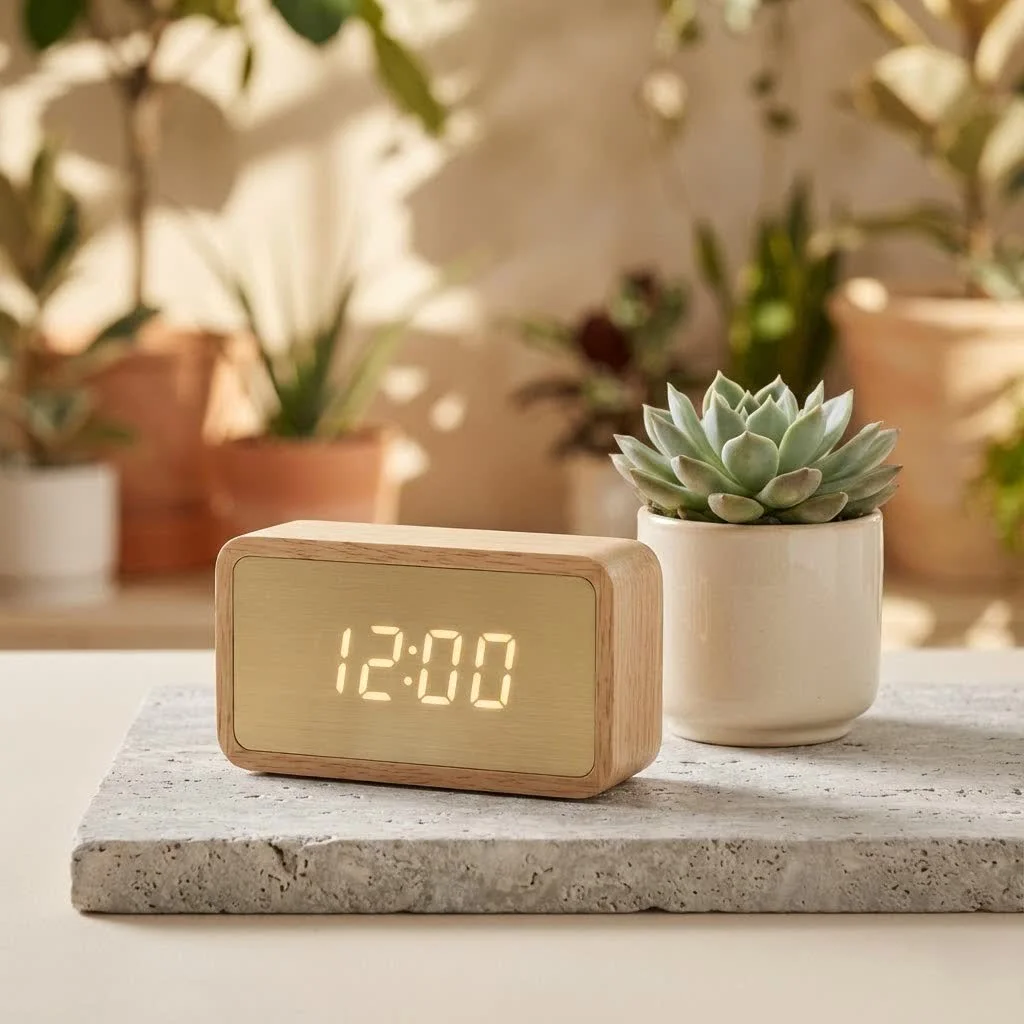
Modern digital timers provide precision and automation, making pool pump management effortless. They ensure consistent water circulation, even chemical distribution, and operation only when necessary, significantly reducing unnecessary energy consumption compared to continuous 24/7 operation.
Why Go Digital? The Benefits of a Digital Pool Pump Timer
Switching to a digital timer for your pool pump is an investment in smarter, more sustainable pool management. Here’s why these devices are a major upgrade:
Energy Efficiency and Cost Savings
One of the biggest advantages of a digital pool pump timer is its ability to drastically reduce energy bills. Pool pumps are known energy consumers, often running longer than needed. A digital timer allows precise scheduling, ensuring your pump operates only during optimal periods. By avoiding continuous operation and leveraging off-peak electricity hours, you can see significant savings each month, potentially hundreds of dollars annually by reducing run time by just a few hours daily.
Automated Convenience
ing to turn your pool pump on and off daily is a chore. A digital timer completely automates this task. Once programmed, it runs on autopilot, freeing you to enjoy your pool without constant oversight. Whether you’re at work, on vacation, or relaxing, your digital timer ensures your filtration system works exactly as it should.
Extended Equipment Lifespan
Running your pool pump continuously puts immense strain on its motor and components, leading to premature wear. By precisely scheduling run times, a digital timer reduces this stress. This optimized operation not only saves energy but also prolongs the life of your expensive pool pump, filter, and associated equipment like heaters, preventing costly repairs or replacements.
Improved Water Quality and Safety
Consistent circulation and filtration are crucial for maintaining clear, healthy, and safe pool water. A digital timer ensures your pump runs reliably for the necessary duration each day, guaranteeing all pool water passes through the filter multiple times. This consistent flow prevents stagnant spots, discourages algae growth, and helps maintain balanced chemical levels, making your pool safer and more inviting.
Advanced Features and Flexibility
Digital timers offer features far beyond simple on/off functions. Many models provide sophisticated capabilities like multiple programmable cycles per day, week-long schedules, daylight saving adjustments, random vacation modes to deter thieves, and freeze protection. Some advanced units integrate with smart home systems, allowing management from a smartphone app or via voice commands.
Choosing the Right Digital Timer for Your Pool Pump
With many options available, selecting the perfect digital timer can seem daunting. Here’s what to consider for an informed decision:
Compatibility (Voltage, Amperage, Horsepower)
|
Our Picks for the Best Digital Timer in 2026
As an Amazon Associate I earn from qualifying purchases.
|
||
| Num | Product | Action |
|---|---|---|
| 1 | Azosowo 2 Pack Digital Timer for Kids, Magnetic Kitchen Timers for Cooking, Egg, Teachers, Classroom, Study, Exercise, Oven Baking - AAA Battery Included |

|
| 2 | 2 Pack Digital Kitchen Timer for Cooking Big Digits Loud Alarm Magnetic Backing Stand Cooking Timers for Baking White |
|
| 3 | VOCOO Digital Kitchen Timer with 7.8” Extra Large Display, Magnetic LED, with 3 Brightness, 4 Alarms and 3 Volume Levels, Battery Powered Countdown Count Up Timer for Cooking, Classroom, Home Gym |
|
| 4 | Elegant Digital Kitchen Timer, Stainless Steel Model eT-23, Super Strong Magnetic Back, Loud Alarm, Large Display, Auto Memory, Auto Shut-Off by eTradewinds |
|
| 5 | 6 Pack Multi-Function Electronic Timer, Learning Management, Suitable for Kitchen, Study, Work, Exercise Training, Outdoor Activities(not Including Battery) |
|
| 6 | Visual Kitchen Timer for Cooking,Chef Cooking Timers Clock with Loud Alarm,Timers for Classroom, Home and Study,Mechanical Desk Timer,No Batteries Required,Magnetic Back (Red) |
|
| 7 | GuDoQi Digital Hourglass Pomodoro Timer, Magnetic 1-99 Mins Adjustable Rechargeable Digital Countdown ADHD Timer, Mute/Low Volume/High Low Volume Modes for Work, Study, Back to School, Kitch, Black |
|
| 8 | VOCOO Digital Kitchen Timer - Magnetic Countdown Countup Timer with Large LED Display Volume Adjustable, Easy for Cooking and for Seniors and Kids to Use (Space Grey) |
|
| 9 | Easy to USE, Digital Kitchen Timer, Magnetic Timer,Tanmalan(Black,1 Pack) |
|
| 10 | Allbean Magnetic Kitchen Timer for Cooking with Loud Alarm - Large LED Display Rotating Countdown Pomodoro Timer, Preset 5/15/25 Mins Easy for Seniors and Kids,for Baking Grilling Studying |
|
Compatibility is crucial. Your digital timer must match your pool pump’s electrical specifications. Most pool pumps operate on either 120V or 240V, with some heavy-duty models handling up to 277V. Check your pump’s nameplate for its voltage, amperage (typically 20A to 40A), and horsepower (HP) ratings. Ensure the timer you choose can safely support these requirements; many robust digital timers handle 40 Amps and are suitable for 1HP to 2HP pumps.
Outdoor Durability (NEMA 3R, Weatherproofing)
Since most pool pumps are installed outdoors, your timer needs to withstand the elements. Look for models with a NEMA 3R rated enclosure, indicating it’s rainproof and resistant to rust and corrosion. High-quality materials like ETL listed PC/ABS plastic ensure anti-oxidation and waterproof capabilities, allowing reliable operation in extreme temperatures, often from -40℉ to 130℉.
Programming Options
Digital timers excel in programmability.
- 7-Day Programming: This is standard for most digital models, allowing different schedules for each day of the week.
- Multiple ON/OFF Cycles: Look for timers offering several daily on/off periods (e.g., 8-9 programs), enabling precise control for various pool activities or off-peak hours.
- Minute-Level Control: The ability to program down to the minute ensures your pump runs exactly when needed, maximizing energy savings.
Smart Features (Wi-Fi, App Control, Voice Assistant)
For ultimate convenience, consider smart digital timers. These often feature Wi-Fi connectivity, allowing control and monitoring of your pool pump from anywhere using a smartphone app. Some integrate with popular voice assistants like Alexa or Google Assistant, adding hands-free control. Features like countdown timers, random modes, and holiday settings are incredibly useful.
Ease of Installation and Use
While professional installation is recommended for hardwired units, look for timers with clear, detailed instructions. User-friendly interfaces with large digital displays and intuitive button layouts make programming straightforward, even for those new to digital timers.
Installation and Programming: A Step-by-Step Guide
Installing a digital timer for your pool pump is a manageable DIY project for those comfortable with electrical work, but if in doubt, always call a certified electrician. Safety is paramount!
1. Safety First
Always turn off the power to your pool pump at the circuit breaker before starting any work. Use a voltage tester to confirm no power is present at the pump or existing timer wiring. Electricity is dangerous and can be fatal.
2. Mounting the Timer
Choose a suitable outdoor location near your pool pump, away from direct splashing but easily accessible. Most digital timers come with external mounting tabs. Secure the timer’s housing firmly to a wall or sturdy post using appropriate screws. Ensure enough space for wiring access and future maintenance.
3. Wiring
Wiring complexity varies based on your pump’s voltage.
- For 120V Systems: Connect the power live wire to the COM1 port, power neutral and load neutral wires to the right timer port, and the load live wire to the NO1 port. All ground wires go to the ground screw.
- For 240V/277V Systems: These usually involve two live wires from the power source and two load wires for the pump. Install jumper wires connecting timer ports (e.g., left port to COM1, right port to COM2), then connect power live wires to COM1 and COM2, and load wires to NO1 and NO2. All ground wires go to the ground screw.
- Dip Switches: Many digital timers have internal dip switches to select the correct input voltage. Set these according to your system’s voltage before applying power.
Always refer to the specific wiring diagram provided in your timer’s instruction manual. Double-check all connections to ensure they are secure and correctly terminated.
4. Initial Setup and Programming
Once wired and power is restored, program your timer:
- Reset: Press the reset button (often with a small, non-metallic tool like a pencil tip) to clear any factory settings.
- Set Current Day and Time: Hold the “CLOCK” button and tap the “WEEK” button until the correct day is displayed. Then, set the current hour and minute.
- Program ON/OFF Schedules: Use the “PROG” button to enter programming mode. Set your desired ON times and OFF times for each day or block of days (e.g., weekdays vs. weekends). You can typically set multiple programs.
- Mode Selection: Switch the timer to “AUTO” mode for it to follow your programmed schedules. Most timers also have “ON” (always on) and “OFF” (always off) manual override options.
5. Testing the System
After programming, observe your pool pump to ensure it turns on and off according to your set schedule. Monitor it for a full cycle to confirm everything is working correctly.
Troubleshooting Common Digital Timer Issues
Even the best digital timers can sometimes act up. Here are quick fixes for common problems:
- Timer Not Turning On/Off:
- Check Power: Ensure the circuit breaker is on and the timer is receiving power (power indicator light).
- Wiring: Re-verify all wiring connections according to the manual. Loose wires are a common culprit.
- Programming: Double-check your ON/OFF schedules, ensuring they are active and the timer is in “AUTO” mode.
- Voltage Dip Switches: Confirm the dip switches are set to the correct voltage.
- Settings Lost After Power Outage:
- Most quality digital timers come with a battery backup (often 3-month capacity) to retain settings during power interruptions. If yours doesn’t have one or the battery is dead, you’ll need to reprogram.
- Consider a timer with a self-charging backup power feature.
- Inaccurate Timing:
- Ensure the current time and day are set correctly.
- If using a smart timer, verify it’s connected to Wi-Fi for time synchronization.
- Display Issues:
- A blank or flickering display often indicates a power problem or a faulty unit. Check power first. If that’s fine, the unit might need replacement.
Expert Tips for Maximizing Your Digital Timer’s Potential
“A digital timer isn’t just a convenience; it’s a strategic tool for optimizing your pool’s health and your wallet,” advises Kenws’s lead automation specialist, Dr. Le Minh. “The key is to understand your pool’s needs and leverage the timer’s full capabilities.”
- Optimal Run Times: The ideal run time for a pool pump typically ranges from 8 to 12 hours a day, depending on pool size, usage, and local climate. Aim to circulate all the pool water through the filter at least once a day. For pools with heavy use, consider slightly longer cycles.
- Leveraging Off-Peak Hours: Contact your electricity provider to learn about off-peak hours when rates are lower. Program your pump to run primarily during these times to maximize energy savings.
- Regular Checks: Periodically check your timer’s settings, especially after power outages or seasonal changes, to ensure it’s operating as intended.
- Smart Features: If your timer has smart capabilities, explore all its functions like remote access, countdown timers for specific tasks (e.g., backwashing), and energy usage reports to fine-tune your schedule.
Conclusion
Embracing a digital timer for swimming pool pump is more than just a technological upgrade; it’s a step towards a more efficient, convenient, and cost-effective pool ownership experience. From slashing your energy bills and extending the life of your vital pool equipment to ensuring pristine water quality with minimal effort, the benefits are undeniable. By choosing the right timer, installing it correctly, and utilizing its advanced features, you’ll improve your pool maintenance from a chore into a seamless, automated process, allowing you to spend more time enjoying your beautiful swimming pool. So, take the plunge and unlock the full potential of your pool with a smart digital timer!
Frequently Asked Questions
What are the main benefits of using a digital timer for a pool pump?
The main benefits of using a digital timer for a pool pump include significant energy savings, automated convenience, extended equipment lifespan, and improved water quality. By precisely scheduling pump operation, users can reduce electricity consumption by hundreds of dollars annually and ensure consistent filtration.
How do digital pool pump timers save energy and reduce costs?
Digital pool pump timers save energy by allowing precise scheduling, preventing continuous 24/7 operation. Users can program the pump to run during off-peak electricity hours, which typically have lower rates, leading to substantial reductions in monthly energy bills. Running the pump just a few hours less each day can save hundreds of dollars per year.
What electrical specifications should I consider when choosing a digital timer?
When choosing a digital timer, you must match its electrical specifications to your pool pump's voltage, amperage, and horsepower. Most pumps operate on 120V or 240V, with some heavy-duty models up to 277V. Ensure the timer can safely support your pump's amperage, typically 20A to 40A, and horsepower, often 1HP to 2HP.
What outdoor durability features are important for a pool pump timer?
For outdoor installation, a pool pump timer needs a NEMA 3R rated enclosure, which indicates it is rainproof and resistant to rust and corrosion. Look for models made from high-quality materials like ETL listed PC/ABS plastic, ensuring anti-oxidation and waterproof capabilities for reliable operation in temperatures from -40u2109 to 130u2109.
Can a digital timer help extend the life of my pool equipment?
Yes, a digital timer can significantly extend the life of your pool equipment by reducing strain on the pump motor and other components. By precisely scheduling run times, the pump operates only when necessary, minimizing wear and tear. This optimized operation helps prevent premature failure and costly repairs or replacements for your pump, filter, and associated equipment.
What are some advanced features available in smart digital pool timers?
Smart digital pool timers offer advanced features such as Wi-Fi connectivity for remote control via a smartphone app, integration with voice assistants like Alexa or Google Assistant, countdown timers for specific tasks, random vacation modes to deter thieves, and holiday settings. These features provide unparalleled control and convenience for pool management.
Install and Program a Digital Timer for Your Pool Pump
This guide outlines the steps to safely install and program a digital timer for your swimming pool pump, ensuring efficient and automated operation.
Always turn off the power to your pool pump at the circuit breaker before beginning any work. Use a voltage tester to confirm that no power is present at the pump or existing timer wiring. This crucial step prevents electrical accidents.
Choose a suitable outdoor location near your pool pump, ensuring it's away from direct splashing but easily accessible. Secure the timer's housing firmly to a wall or sturdy post using appropriate screws and external mounting tabs. Allow sufficient space for wiring access and future maintenance.
Wire the timer according to your pump's voltage (120V or 240V/277V), following the specific diagram in your timer's manual. Connect power and load wires to the designated ports (e.g., COM1, NO1) and all ground wires to the ground screw. Crucially, set any internal dip switches to the correct input voltage before applying power.
After wiring and restoring power, reset the timer to clear factory settings. Set the current day and time using the 'CLOCK' and 'WEEK' buttons. Enter programming mode with the 'PROG' button to set desired ON/OFF schedules for each day or block of days. Finally, switch the timer to 'AUTO' mode for it to follow your programmed schedules.
Once programmed, observe your pool pump to ensure it turns on and off precisely according to your set schedule. Monitor it for a full cycle to confirm that all functions are working correctly and that the automation is performing as intended. This final check ensures proper installation and programming.
Smart home that does not lock you in
Practical specs, not advice. Unsubscribe anytime.
The idea of saving energy with a digital timer for my swimming pool pump is great, and it does work. However, I found the initial setup for the multiple programmable cycles a bit more complicated than I expected. It took me a while to get all the times just right, and the instructions weren’t super clear. Once it’s set, it’s fine, but that first hurdle was annoying.
I finally switched out my old mechanical timer for a digital one after reading about the benefits here, and wow, what a difference! The minute-level control is a game-changer for my pool pump. I’ve already noticed a dip in my electricity bill, and the water quality has been consistently perfect. It’s so much easier to manage now.
This digital timer has made my pool maintenance so much easier. I love that it replaces the manual switches and I don’t have to think about turning the pump on or off anymore. The consistent chemical distribution is a huge plus, and my pool has never looked better. Definitely recommend for anyone looking to automate their pool pump.
I was hesitant to upgrade, but the promise of extending equipment life really sold me on getting a new digital timer. My old pump was running way too much. This new one ensures consistent water circulation without overworking the pump. It’s definitely a smarter way to manage the pool, and I appreciate the automation.